
Disclosure: This post contains affiliate links. If you click through and make a purchase, I may earn a commission at no extra cost to you. I only recommend tools I personally use and trust.
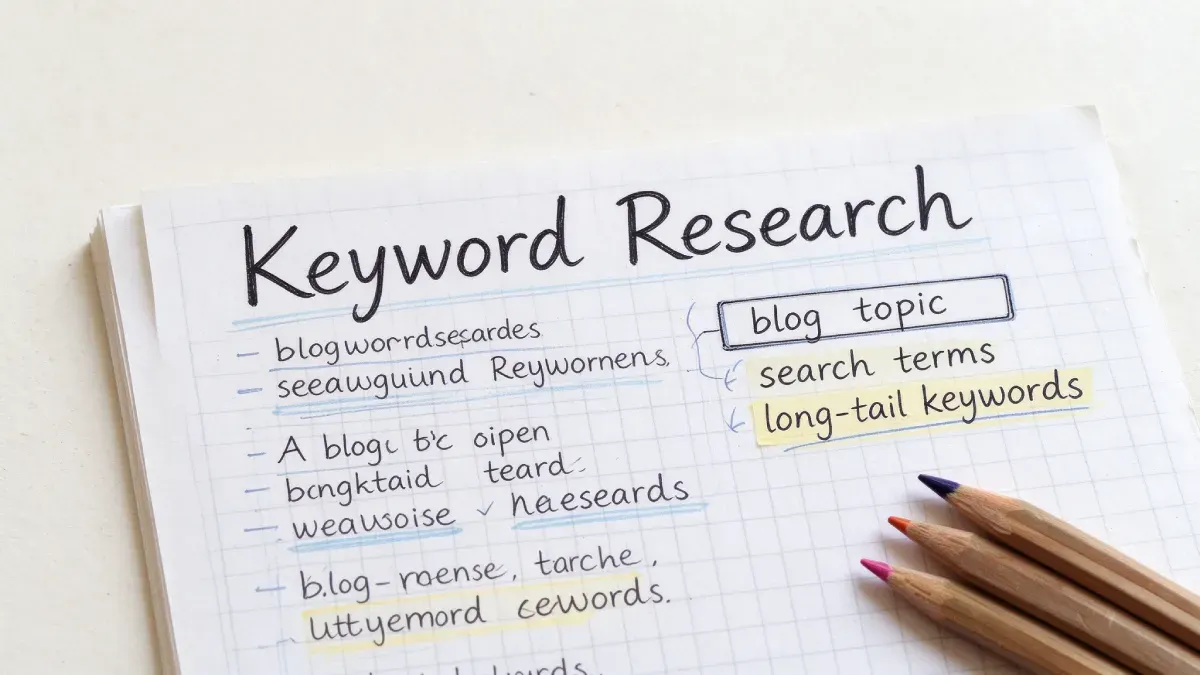
How to do keyword research is the question that quietly decides whether anyone ever finds the post you spent three evenings writing.
You’ve probably felt it. You finish a post you’re genuinely proud of, hit publish, and then watch it collect three views. Two of them were you.
I know that sting. My first big affiliate post was a hosting comparison. I originally titled it “Best Web Hosting for Beginners (2026): 9 Hosts Ranked (No Renewal Traps)” I thought it sounded honest and personal. Weeks later, it was barely getting any search hits at all. A friend who runs his own site asked one blunt question: “Who types that into a search bar?” That’s when it clicked.
Before you write a word, figure out what your reader will actually type. So here’s the rule: search first, then write. I’ll walk through the three steps I now use, plus the exact spots to place your keywords without sounding like a broken record. If your product pick isn’t settled yet, start with my post on how to choose affiliate products to promote, then come back here.
How to Do Keyword Research: Step 1 – Find the Words Readers Actually Type
My most common mistake early on was inventing titles off the top of my head. I’d decide “this angle has to work,” publish, and wait for a crowd that never showed. I never asked what a real person would type.
What I learned: flip it. Stop asking what you want to say, and start asking what your reader searches the moment they hit a problem. Finding those words is free, and it takes minutes.
Use Search Autocomplete
Type your topic into a search engine and watch the suggestions drop down. Those are real queries people type again and again, and they’re the closest thing to reading your reader’s mind for free. If you want the background on how results get chosen, see the official Google Search Central documentation.
Check the “Related Searches” at the Bottom
Scroll to the bottom of the results page and read the related searches. These are neighboring phrases other people already searched. One topic can open up a dozen fresh angles here.
Mine Suggestions on Q&A and Social Platforms
Search your topic on Quora, Reddit, or Pinterest and note the suggested terms each platform serves up. People ask blunt, specific questions there, which is exactly the tone you want to mirror in your writing.
Here’s a live example. I planned to write about “hosting recommendations.” Ten minutes of searching showed me that beginners actually type things like “how to choose a cheap host for a new blog” and “best budget hosting for beginners.” That one shift reshaped my entire outline.
These free methods are plenty to get moving, but they slow down noticeably when you’re mapping out a whole batch of posts at once. If you’re working through a long content calendar and want to cut down on manual research time, you can use Fiverr to pull together a clean starting list of keywords for your topics. It’s never a replacement for understanding your readers, just a practical way to save hours when your list gets long. keyword research services on Fiverr
How to do keyword research starts with one move: find the words readers actually type, not the ones that sound nice to you.
How to Do Keyword Research: Step 2 – Pick a Keyword Your New Site Can Rank For
Once I had a pile of terms, I made my second mistake. I went straight for the biggest one. I rewrote a title around “best web hosting,” convinced all that volume would carry me. It didn’t. I sat on page six, invisible, and the post never moved.
What I learned: the biggest keyword is the worst place for a new site to start. Those terms are locked up by established sites with years of authority behind them. A brand-new blog fighting for them is a first-year runner lining up against Olympians.
Target One Main Keyword, Not Five
Pick a single main keyword for the post. Treat everything else as support. Spreading your focus across five terms usually means ranking for none.
Go Long-Tail Instead of Big
Long-tail keywords are longer and more specific, and that’s the whole point. “Best web hosting” is a giant I can’t move. Something like “how to start a blog on Hostinger” is narrower, but the intent is crystal clear and the competition is far thinner. Fewer searchers, better odds, and higher conversion, because the reader knows exactly what they want. I break down this same ranking principle in more detail in my guide on how to get Google to index your new blog.
List Three to Five Related Variations
Around your main keyword, list three to five close variations to weave in naturally across the post. One post, one main term, a few supporting phrases. Don’t get greedy.
After I locked the terms on my host review, search traffic started trickling in within weeks.
If you want to do keyword research that actually pays off, start where a new site can win, not where the crowd already is.
How to Do Keyword Research: Step 3 – Place Your Keywords Without Stuffing Them
With terms chosen, the next question is where they go. Here I made my third mistake: I overcorrected. The moment I heard keywords mattered, I stuffed “hosting” into nearly every sentence. Reading it back, it sounded like a robot stuck on repeat. Search engines treat that as a red flag and can push you down for it.
What I learned: placement beats repetition. The goal is for readers and search engines to understand your topic, not to cram a word in.
Put the Main Keyword in the Title Once
Your title is the first place to use the main term, and it’s the very first thing I do before writing. Get the title right and the rest tends to follow.
Mention It in the First Paragraph
Use the main keyword once in your opening paragraph, so search engines and readers both know what the post is about within seconds.
Work Long-Tail Terms Into Your Subheadings
Give each subheading one long-tail term, one heading per phrase. This spreads your keywords naturally across the page while keeping the structure scannable.
Add It to Your Image Alt Text
Add the main keyword to your image’s alt text. This is the step most new bloggers skip, and it’s one of the easiest to fix.
Use It in the Meta Description
Use the main keyword once in your meta description, the summary that appears under your title in search results. If you’re used to platforms where this field barely mattered, this one is worth the extra minute.

My habit now: write out the title and subheadings first, and the keywords slot themselves in. No going back to force anything.
How to do keyword research matters less than where you place the words. Position beats repetition.
The Wrong Way vs. The Right Way
❌ Wrong approach: Title the post “My Story With This Host,” skip the terms readers actually search, and publish without a second thought about placement. However good the writing, it stays invisible.
✅ Right approach: Use the phrase readers type, like “how to choose a cheap host for a new blog,” add two or three long-tail terms, then place them in the title, opening, subheadings, image alt text, and meta description. After publishing, search traffic starts to build.
The gap is simple: new bloggers think about what they want to say, while experienced ones think about what readers want to find.
Quick Recap Checklist
Before publishing, run through this: how to do keyword research only counts if you’ve checked every placement below.
- Finding: Did I check the search bar for the words readers actually type before writing?
- Choosing: One main keyword plus three to five long-tail terms, with no doomed big keywords?
- Placing: Did I put terms in the title, opening paragraph, subheadings, image alt text, and meta description?
- Density: Do the keywords read naturally, without stuffing?
- Order: Did I lock the title and subheadings before writing the body?
Can I learn how to do keyword research for free as a beginner?
Yes. You can learn how to do keyword research without paying for anything. Search autocomplete, the related searches at the bottom of the results, and the suggestion terms on Q&A sites are all free, and every one of them comes from real searches.
When you learn how to do keyword research, how many keywords should one post target?
Pick one main keyword and add three to five long-tail variations. If you are still learning how to do keyword research, resist the urge to chase several big keywords in a single post. A new site ranks faster when it focuses on one clear term at a time.
Can I change my keywords after I learn how to do keyword research and publish a post?
You can, but any change sends the page back to be re-crawled and re-indexed. Once you learn how to do keyword research, the better habit is to lock your keywords in before you write. If you must edit later, change only the title and meta description, and avoid repeated tweaks.
Final Thoughts
How to do keyword research comes down to one habit: check what readers search, then choose what you write. Get that order right and far less of your work disappears into silence. Keep the rule close: search first, then write.
5-Minute Action Step: Take the topic of your next post and type it into a search bar right now. Look at the dropdown suggestions and how far they are from your planned title. If they line up, you’re set. If they don’t, start by rewriting the title.
Next up, I’ll cover how to bring in free traffic from outside sources, using Pinterest and Quora without spending a cent, so your posts get a second door for readers to walk through. Two earlier posts in the series pair well with this one: how to get free traffic to a new blog and how to keep visitors on your blog.